
How AI Chatbots on WhatsApp Are Replacing Live Chat Support for D2C Brands
Email open rates are dropping, and social media algorithms are harder to crack than ever. For small and medium businesses in 2026, the most direct line to a customer's pocket is WhatsApp.

Vikas Yadav
Editorial Lead
Email open rates are dropping, and social media algorithms are harder to crack than ever. For small and medium businesses in 2026, the most direct line to a customer's pocket is WhatsApp.
With open rates frequently exceeding 90%, WhatsApp broadcast messaging has become the ultimate tool for promotions, updates, and customer re-engagement. However, sending messages at scale requires more than just compiling a list and hitting "send."
If done incorrectly, you risk frustrating your customers or worse—getting your WhatsApp account permanently banned.
In this comprehensive 2026 guide, we'll break down exactly how WhatsApp broadcasts work, the current limits you need to know, and the best practices to turn your broadcast list into a revenue engine.
What Do You Need Before Applying for WhatsApp Verification?
What is a WhatsApp Broadcast?
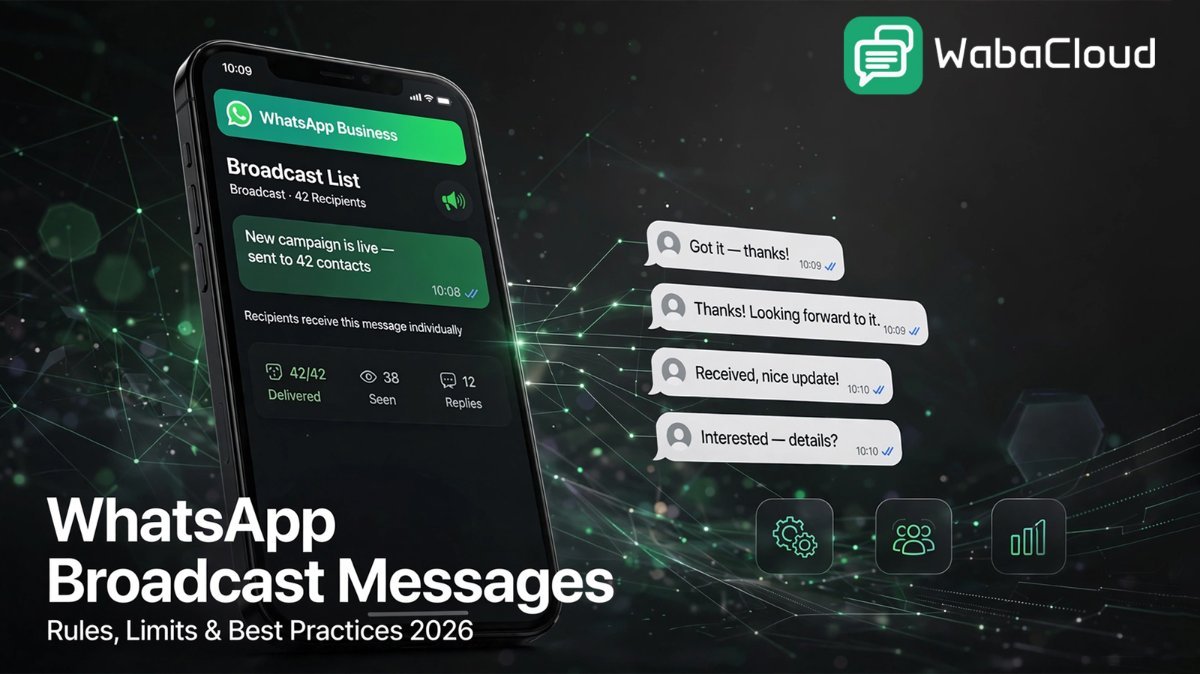
A WhatsApp broadcast allows a business to send the exact same message to multiple customers simultaneously, without creating a messy group chat.
Think of it like the BCC (Blind Carbon Copy) function in an email. You send one message to a list of people, but each recipient receives it as a private, individual message from your business.
If they reply, the conversation stays strictly between them and you.
WhatsApp Broadcast vs. WhatsApp Group
| Feature | WhatsApp Group | WhatsApp Broadcast |
|---|---|---|
| Privacy | Low Everyone can see each other's names and phone numbers. | High Recipients don't know who else is on the broadcast list. |
| Replies | Public Everyone can see replies unless the group settings restrict them. | Private Replies come directly to your business inbox. |
| Best Use Case | Community building and internal team chats. | Marketing, sales, promotions, and direct customer notifications. |
| Customer Perception | Can sometimes feel spammy or annoying. | Feels more like a personalized, one-on-one VIP message. |
2026 WhatsApp Broadcast Rules: Keep Your Account Safe
WhatsApp (owned by Meta) is highly protective of its user experience. To prevent spam, they enforce strict Business Messaging Policies. To succeed in 2026, you must play by the rules:
1. The "Opt-In" Rule
Never buy contact lists. You must have explicit consent (an opt-in) from a customer before sending them promotional messages.
2. Respect the Opt-Out
If a customer asks to stop receiving messages, or replies with "STOP," remove them from your list immediately.
3. No Phishing or Spam
Avoid overly aggressive sales language, all-caps yelling, or requesting sensitive personal information via broadcast.
What Are the WhatsApp Broadcast Limits?
The limits you face depend entirely on which version of WhatsApp you are using. Do not rely on outdated information from years past. Here are the facts for 2026:
1. The Free WhatsApp Business App Limit
Limit: Maximum of 256 contacts per broadcast list.
The Catch (Crucial): Your message will only be delivered to people who have your business phone number saved in their phone's address book.
If they haven't saved your number, the message will show as "sent" on your end, but they will never receive it.
2. The WhatsApp Business API Limit (via WabaCloud)
For growing businesses, the 256-limit and the "saved number" rule are dealbreakers. By moving to the WhatsApp Business API, you bypass these restrictions.
The Advantage: Customers do not need to have your number saved to receive your broadcast (as long as they opted in).
Tiered Limits: API accounts start with a limit of 1,000 messages per 24 hours. As your business maintains a high-quality rating, Meta automatically upgrades your limit to 10,000, then 100,000, and eventually unlimited messages per day.
5 Best Practices for WhatsApp Broadcast Marketing
1. Segment Your Audience
Don't send a generic message to everyone. Segment your lists by customer behavior (e.g., VIP Customers, Abandoned Carts, Local Customers).
2. Personalize the Message
Use variables! A message that starts with "Hi John" performs significantly better than a generic "Dear Customer."
3. Keep it Short and Visual
Attention spans are short. Keep your text brief, use emojis to break up paragraphs, and always attach a high-quality image, graphic, or short video to make your broadcast pop.
4. Use Clear Calls to Action (CTAs)
Tell the customer exactly what to do next.
Instead of "Let us know if you want one," use: "Tap the link below to claim your 20% discount before midnight! [Link]"
5. Time it Perfectly
Don't blast messages at 3:00 AM or on busy Monday mornings. For most consumer businesses, Tuesday or Thursday afternoons, or weekend mornings, yield the highest open rates.
Bonus: 3 Copy-Paste WhatsApp Broadcast Templates
Template 1: The New Product Launch
"Hi [Name]! Exciting news—our brand new [Product/Service] is finally here! Because you're a loyal customer, we're giving you early access and a 15% discount. Use code VIP15 at checkout. Shop now: [Link] Let us know if you have any questions!"
Template 2: The Flash Sale
"24-HOUR FLASH SALE! Hi [Name], we're taking 30% off all [Category/Items] until tomorrow at 5 PM. Stock is running out fast. Grab your favorites before they're gone here: [Link] 🏃♂️💨"
Template 3: The Appointment/Event Reminder
"Hi [Name]! Just a quick reminder about our upcoming [Event/Webinar/Sale] on [Date] at [Time]. We can't wait to see you there! Reply 'YES' to confirm your spot."
Outgrown the Free App? Automate & Scale with WabaCloud
Stop struggling with the 256-person limit and undelivered messages. Upgrade to the official WhatsApp Business API with WabaCloud to send broadcasts to thousands of opted-in customers at once.
Also Read
Integrate WhatsApp Business API Today
Access verified sending status, high deliverability rates, and full CRM dashboarding integrations.
Frequently Asked Questions
Why are my WhatsApp broadcast messages not delivering?
If you are using the standard free WhatsApp Business app, your broadcasts will only deliver to contacts who have saved your business number in their phone. To bypass this, you need to use the WhatsApp Business API through a provider like WabaCloud.
Can my WhatsApp account get banned for sending broadcasts?
Yes. If you send too many unsolicited messages, use scraped contact lists, or receive a high number of "spam" reports from users, Meta will ban your account. Always get opt-ins and provide valuable content.
How many people can I add to a broadcast list?
On the regular WhatsApp Business App, the limit is 256 per list. On the WhatsApp Business API, your messaging tier determines your limit, starting at 1,000 distinct customers per 24 hours and scaling up to unlimited.